Free to install
Get the MyGameGrid app
Add MyGameGrid to your home screen and it opens full screen like any other app, with quick access to your games and tournaments.
MyGameGrid
Find games, book courts, run tournaments
Free to install
On desktop
- Look for the install icon in the address bar, or open the browser menu
- Tap Install app or Add to Home screen
- Confirm. The app appears with your other apps
Works on iPhone and iPad (Safari), Android (Chrome) and desktop (Chrome or Edge).
Preview
What you get
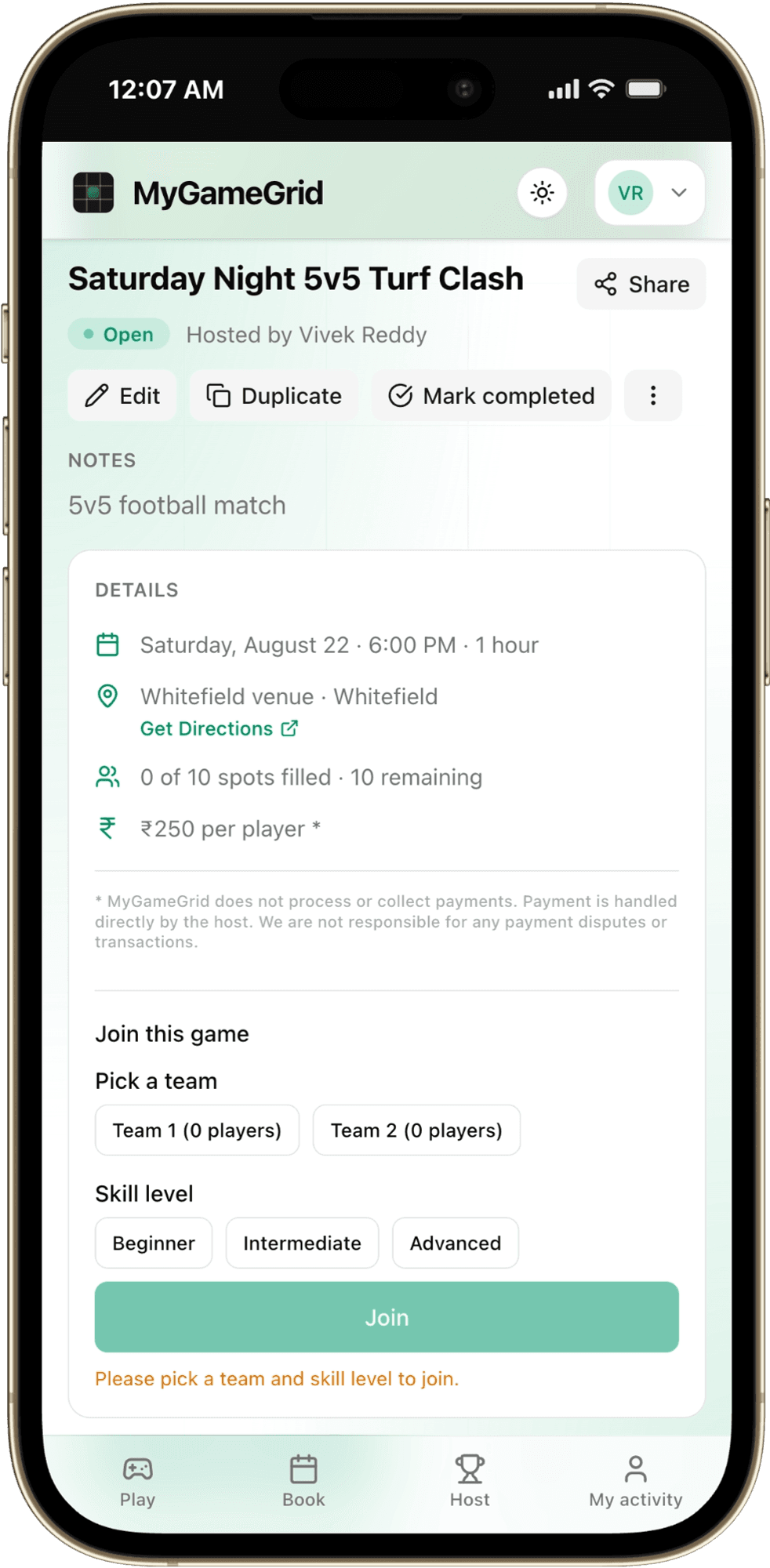
Join games in seconds
Pick a team, choose your skill level and RSVP. See the venue, time and price up front.
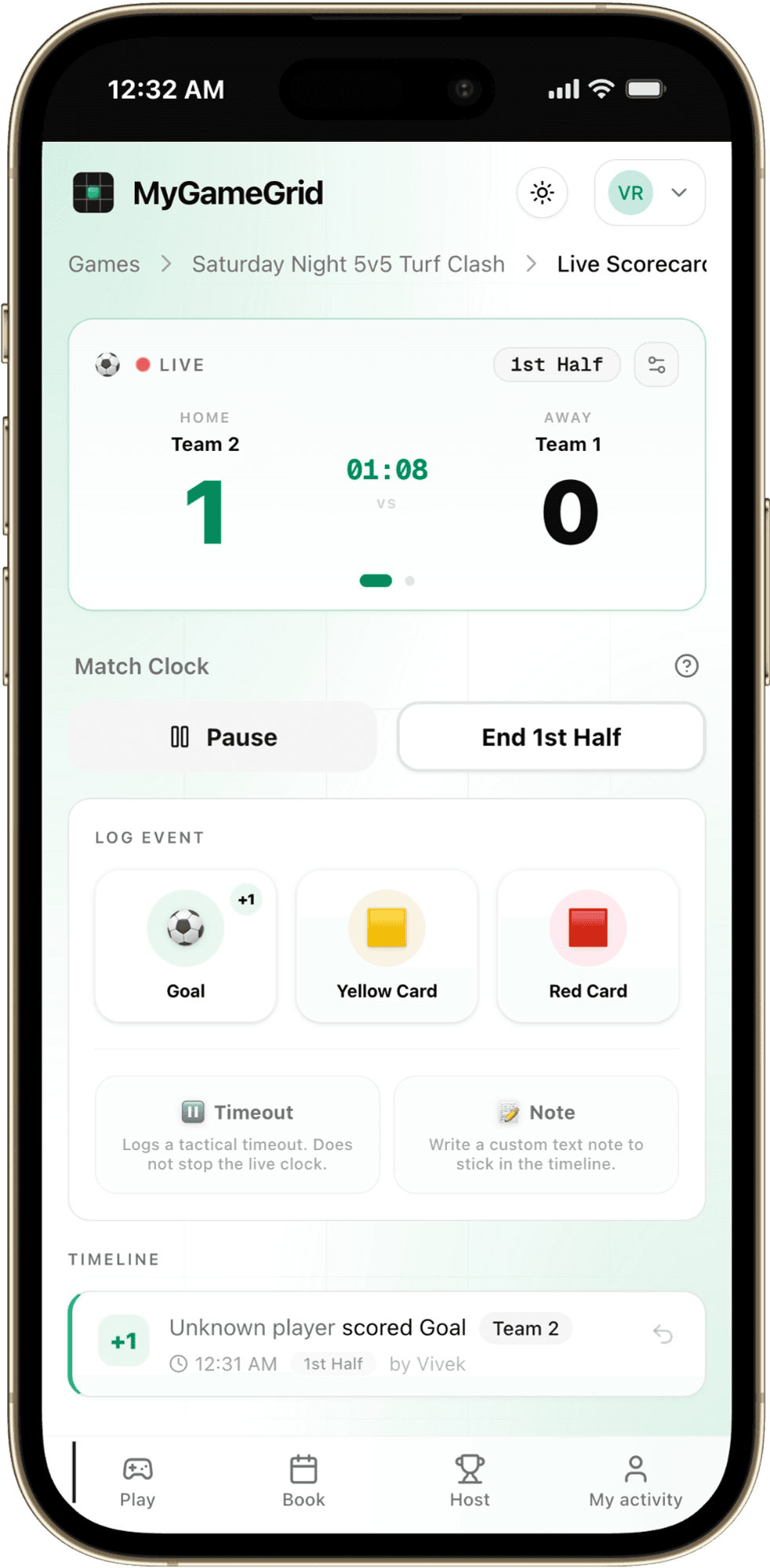
Live scores in your pocket
Follow the match clock, goals and cards as they happen, or log them yourself as the host.
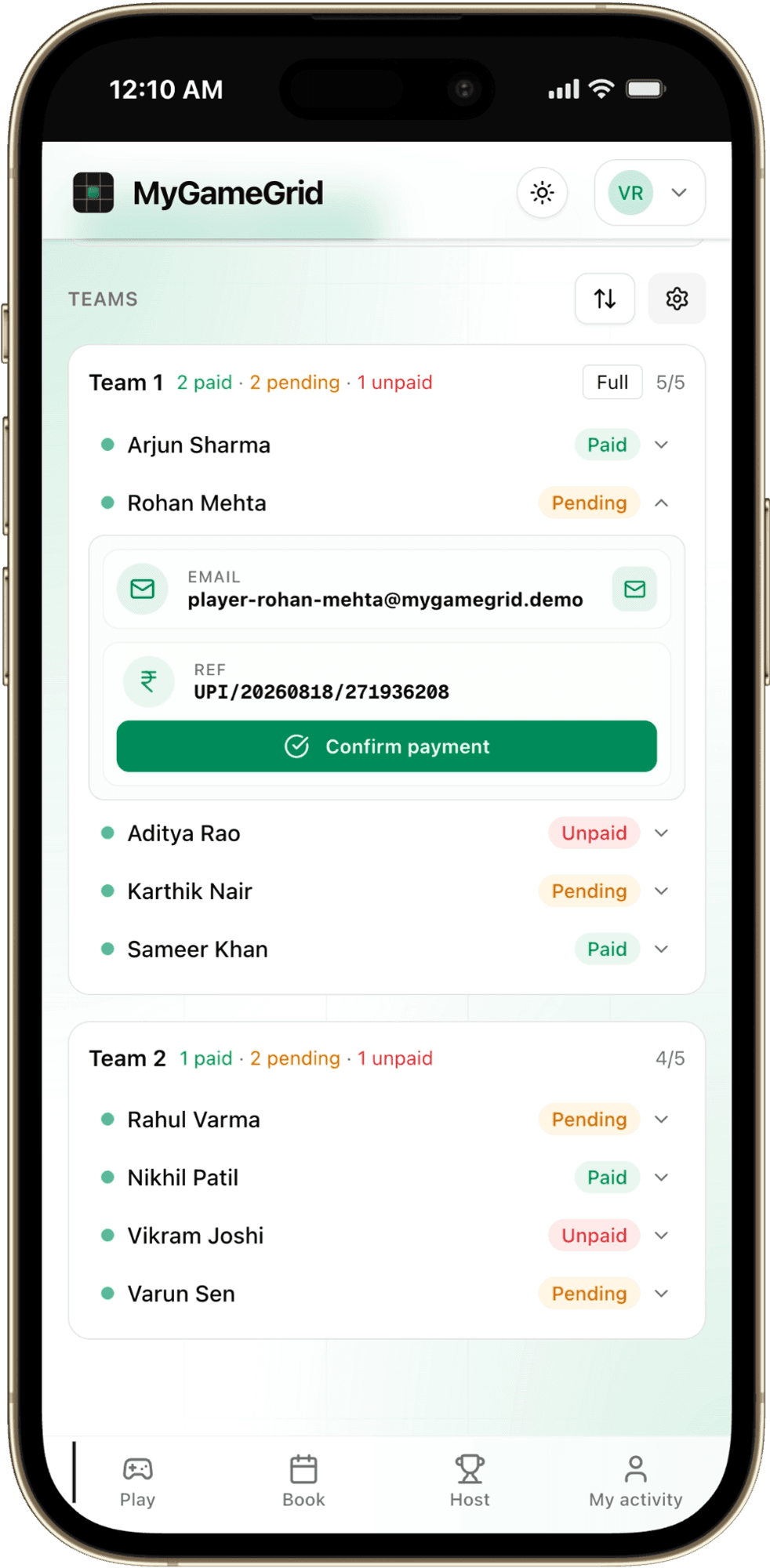
Simple UPI payments
Pay the host directly by UPI and track who has paid, all in one place.
Benefits
Why install
Opens instantly
One tap from your home screen, full screen, no browser bar.
Always a tap away
Jump straight to your games and tournaments without searching for the link.
Fast to reopen
App icons and assets are kept on your phone, so it starts quickly each time.
Tiny and free
Lightweight, no big download, and it never eats your storage.
FAQ
Questions
- Does it cost anything?
- No. Installing and using MyGameGrid is completely free.
- How do I remove it?
- Press and hold the icon and choose Remove or Delete, the same as any other app.
- Will I get updates?
- Automatically. The app refreshes itself when we ship a new version, so you always have the latest.