Learn
Run your event like a pro
Short video lessons on every step of hosting on MyGameGrid. Search any lesson, chapter or line from the videos, and pick up where you left off. Free, and no account needed.
Organizer Academy
Short videos that take you from a blank form to the champions poster.
11 lessons · about 33 minutes
1. Set up
2 lessons

2. Teams and money
3 lessons 2:35Lesson 3
Collect entry fees: UPI, payment link or QR
Set an entry fee, choose UPI, a payment link or a QR code, and confirm each payment.
 2:41Lesson 4
Get teams registered
Choose who can join, ask the right registration questions and share your link and poster.
 3:11Lesson 5
Approve teams and confirm payments
Work through the Teams tab: confirm payments, approve or decline teams, add offline teams and nudge unpaid captains.
3. Fixtures
3 lessons 2:28Lesson 6
Knockout tournament setup
Generate a knockout bracket, auto-schedule every match across your pitches and publish it.
 3:09Lesson 7
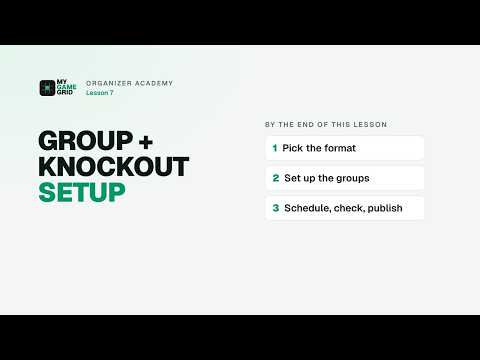
Group stage + knockout setup
Set up groups, choose how many qualify, time each stage and publish the group fixtures.
 3:09Lesson 8
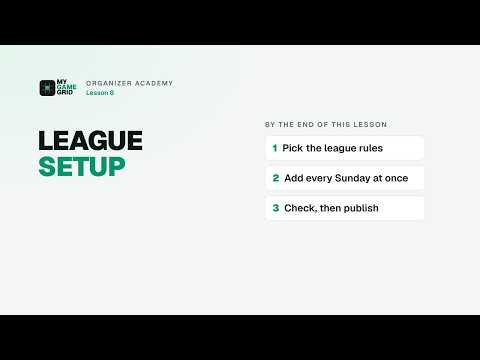
Set up a weekly league
Pick league rules and playoffs, add every Sunday with Repeat weekly and publish the fixtures.


